
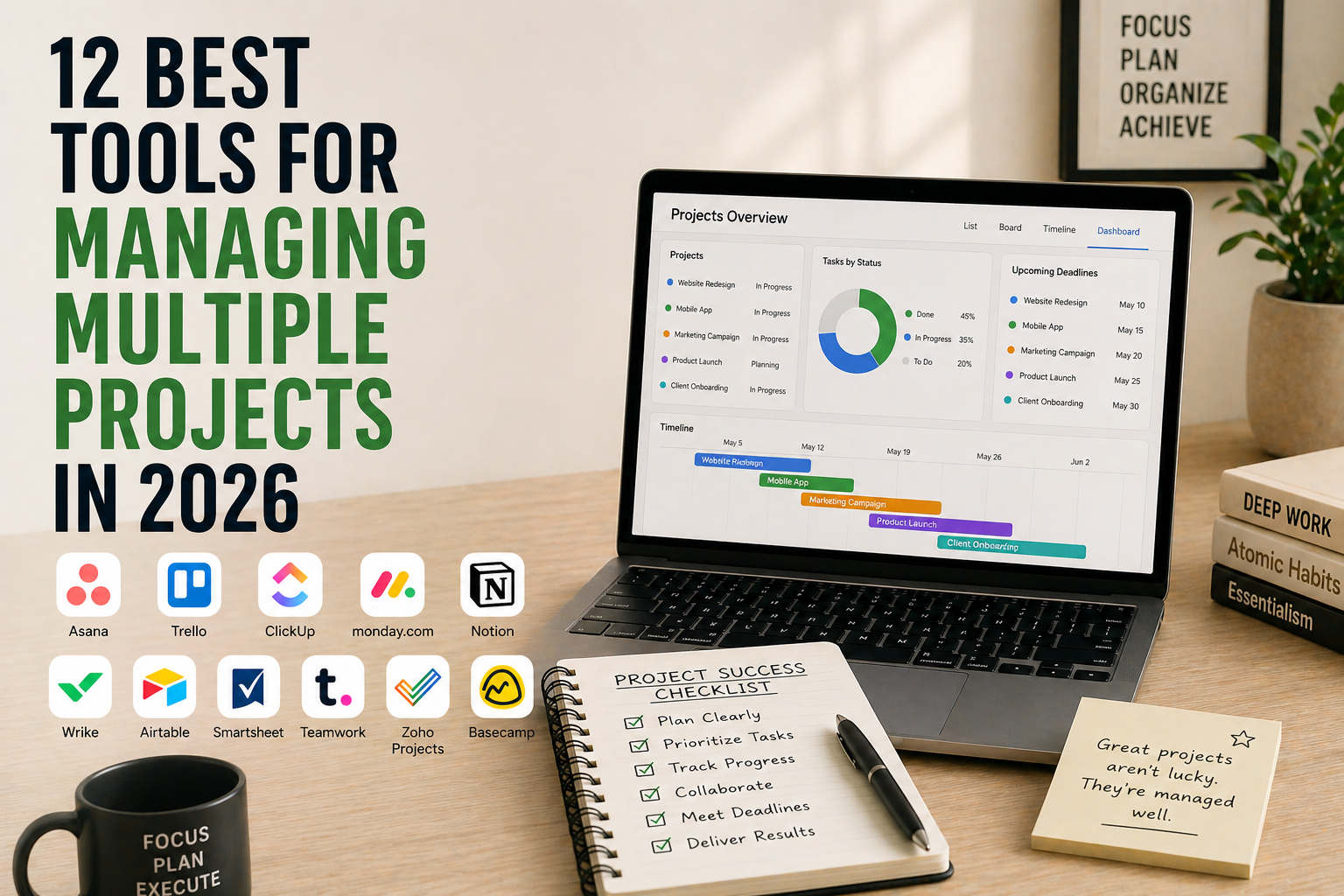
Juggling five projects in one list is easy to start and miserable to keep up. Everything is “due soon,” nothing has a clear owner, and the one task that’s truly urgent is hidden on line 43.
A project tool should fix that. But most roundups just list features. The thing that actually decides whether a tool works for you is where the free plan stops, because that’s where you’re asked to pay or leave.
So this guide compares six well-known tools by their limits and prices, taken from their official pricing pages on 18 October 2026. Prices change, so check the date.
Quick answer: For one or two people with a few projects, Trello’s free plan (10 boards, up to 10 collaborators) is the easiest start. For a team that wants timeline views and a cross-project overview, Asana is the usual step up, though the price climbs quickly. If you hate per-user pricing, Basecamp charges a flat monthly fee. Notion works if you want your docs and projects in one place.
The six tools compared
| Tool | Free plan | Paid plans (as listed) | Worth knowing |
|---|---|---|---|
| Trello | Up to 10 boards per workspace and up to 10 collaborators | Standard $5/user/month billed annually ($6 monthly). Premium $10 annually ($12.50 monthly) | Calendar, Timeline, Table, Dashboard and Map views are Premium features |
| Asana | Personal plan: one or two people | Starter $10.99/user/month annually ($13.49 monthly). Advanced $24.99 annually ($30.49 monthly) | Timeline and Gantt views start at Starter. Unlimited portfolios need Advanced |
| monday.com | Up to 2 seats and 3 boards | Basic $9, Standard $12, Pro $19 per seat/month, billed annually | Paid plans start from 3 users. Monthly billing isn’t discounted |
| ClickUp | Free Forever: unlimited tasks, 5 Spaces, 60MB storage | ClickUp’s pricing page showed two different plan lists when we checked, so check its site for current paid prices | The free plan’s storage is small |
| Notion | Free: 5MB file uploads, 7 days of page history, 10 guests | Plus $10 and Business $20 per member/month (the page doesn’t label these as monthly or annual) | Free workspaces with 2+ members have a block limit |
| Basecamp | Free: 1 project, up to 5 users, 1GB | Flat monthly pricing, not per user: Freelancer $25 (3 projects), Studio $59 (10), Pro $99 (25), Unlimited $299 billed annually | 30-day free trials on paid plans, no card needed |
Prices in USD, as listed on 18 October 2026.
Three questions that pick the tool for you
1. How many people need access? Per-user pricing adds up fast. Ten people on Asana Starter at $10.99 each is $109.90 a month billed annually. Basecamp’s Studio plan covers unlimited users for a flat $59 a month, but caps you at 10 active projects.
2. How many projects run at once? Basecamp limits active projects by plan. Trello’s free plan limits boards. Monday’s free plan gives you 3 boards. If you run six projects, those limits matter more than any feature list.
3. Do you need a cross-project view? Seeing every project on one screen is the whole point of managing multiple projects. In Trello, the Timeline and Dashboard views are Premium. In Asana, unlimited portfolios are on Advanced, the most expensive paid plan.
The tools in more detail
Trello: best simple start
Trello’s free plan covers up to 10 boards per workspace and up to 10 collaborators, which is plenty for a freelancer or a small team. Standard ($5/user/month billed annually) removes the board limit. Premium ($10) adds the views that make it work for multiple projects at once. Trello itself describes Premium as “best for teams up to 100 that need to track multiple projects.”
Asana: best step up for teams
Asana’s free Personal plan is for one or two people. Once you have a third person, you’re on Starter at $10.99 per user per month billed annually. Starter adds timeline and Gantt views, reporting dashboards and unlimited free guests. The jump to Advanced ($24.99) is steep, so work out whether you really need portfolios and approvals before you commit.
monday.com: best for visual teams, if you have three or more people
Monday’s free plan is limited to two seats and three boards, so it’s mainly a trial. Paid plans start at three users and run from $9 to $19 per seat per month billed annually. Monthly billing isn’t discounted, so annual billing is the only way to get the listed price.
ClickUp: lots of features, so check prices carefully
ClickUp’s free plan has unlimited tasks, but 60MB of storage disappears quickly if you attach files. When we checked, its pricing page listed two different sets of paid plans. Confirm what you’ll pay on its site before you commit.
Notion: best if docs and projects belong together
Notion’s free plan caps file uploads at 5MB and keeps seven days of page history. Plus ($10 per member per month) lifts those limits. It suits people who want notes, wikis and projects in one place. It takes more setup than Trello, because you build the system yourself.
Basecamp: best for predictable costs
Basecamp’s flat pricing is unusual. Free gives you one project and up to five users. Paid plans start at $25 a month for three active projects and up to 20 users, then $59 for ten projects and unlimited users. If you run an agency and would otherwise pay per seat, check this one first.
How to keep multiple projects under control, whatever you use
These are our suggestions, not research findings.
- Give every project one next action. One line per project: the next step, and who owns it.
- Limit how many projects are “active.” Move the rest to a “waiting” or “later” list. Basecamp builds this limit into its plans, and you can copy it for free anywhere.
- Review all projects once a week. Ten minutes, same day each week. Our guide to setting weekly priorities shows one way.
- Block time per project, not per task. See our guide to time blocking for entrepreneurs.
- Put the tool second. Pick the simplest one that passes the three questions above.
If you want a lighter-weight option, our roundup of free organisation apps covers simpler tools.
Frequently asked questions
What is the best free tool for managing multiple projects? For most people, Trello’s free plan: up to 10 boards per workspace and up to 10 collaborators. Asana’s free plan only covers one or two people, and monday.com’s free plan covers two seats and three boards.
What’s the cheapest option for a team? It depends on size. Trello Standard is $5 per user a month billed annually. For a bigger group, Basecamp’s flat plans ($59 a month for unlimited users) can work out cheaper than paying per seat.
Do I need a project management tool at all? Not always. If you have under three projects and work alone, a single list with one next action per project does the job. Switch when you need deadlines, owners or a view across projects.
Which tool has the best cross-project view? Asana’s Advanced plan has unlimited portfolios, and Trello’s Premium plan adds Timeline, Table and Dashboard views. Both cost more than their entry-level paid plans.
Updated 18 October 2026: this guide replaces our earlier “5 productivity tools” list. All prices were rechecked on official pages, and the tools are now compared by free-plan limits.
Sources